Proximity sensors are integral components in modern smartphones, industrial machinery, and various automated systems. Their primary function is to detect the presence or absence of nearby objects without physical contact. When these sensors malfunction, it can lead to a cascade of operational failures, from a phone screen that won't turn off during a call to critical safety issues in manufacturing lines. Understanding the root causes and practical solutions for proximity sensor failure is essential for users and technicians alike.
One of the most prevalent causes of proximity sensor issues is physical obstruction. For devices like smartphones, the small sensor window, often located near the earpiece, can easily accumulate dust, lint, or pocket debris. A thin film of grime, while seemingly insignificant, can scatter or block the infrared (IR) light the sensor emits and receives, causing erratic behavior. Similarly, aftermarket screen protectors or phone cases that are poorly designed or incorrectly aligned can cover the sensor area, leading to permanent "near" detection. The first and simplest troubleshooting step is always a thorough, gentle cleaning of the sensor area using a soft, dry microfiber cloth and ensuring no accessories are interfering.
Software glitches represent another major category of failure. The sensor relies on a delicate interplay between hardware drivers, firmware, and the operating system. A buggy software update, a corrupted cache partition, or a conflict with a third-party application can disrupt this communication. The sensor might stop reporting data entirely or provide constant, incorrect readings. In such cases, software-based fixes are the first line of defense. This can involve restarting the device, which clears temporary RAM and resets processes, or booting into "Safe Mode" to disable all third-party apps and identify a potential culprit. A more comprehensive step is clearing the cache partition for the system or performing a factory reset, though the latter should be a last resort after backing up data.
Environmental factors can also trick a sensor. Strong ambient infrared light, such as direct sunlight or certain types of intense artificial lighting, can flood the sensor's receiver, making it impossible to distinguish its own reflected signal. Placing the device on a highly reflective surface might have a similar confounding effect. While not a permanent failure, this highlights the sensor's design limitations. Users experiencing issues in specific, bright environments should test the device in a neutral setting to rule out environmental interference.
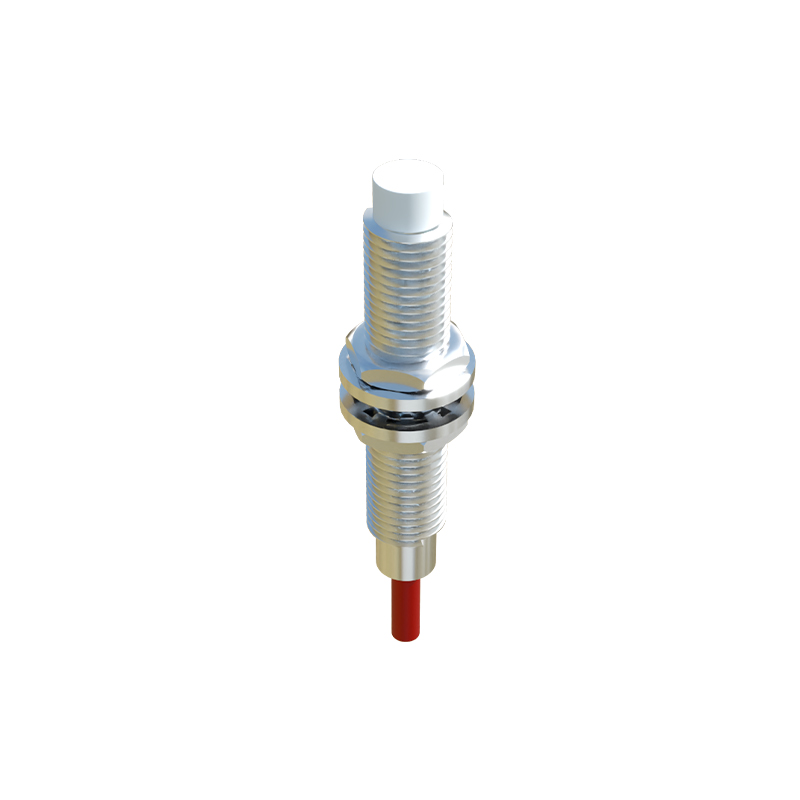
Hardware failure is the most definitive cause. This can range from a loose or corroded connector cable, often a result of prior repairs or physical impact like a drop, to the complete degradation of the sensor's IR LED or phototransistor. Internal liquid damage is a particularly insidious culprit, as moisture can cause short circuits or corrosion on the sensor's circuitry over time. Diagnosing hardware failure typically requires professional disassembly. For smartphones, technicians will use diagnostic software to check sensor output values and perform a physical inspection. In industrial settings, technicians use multimeters and oscilloscopes to verify signal integrity. Repair usually involves reseating connectors, deep cleaning corrosion, or replacing the sensor module entirely.
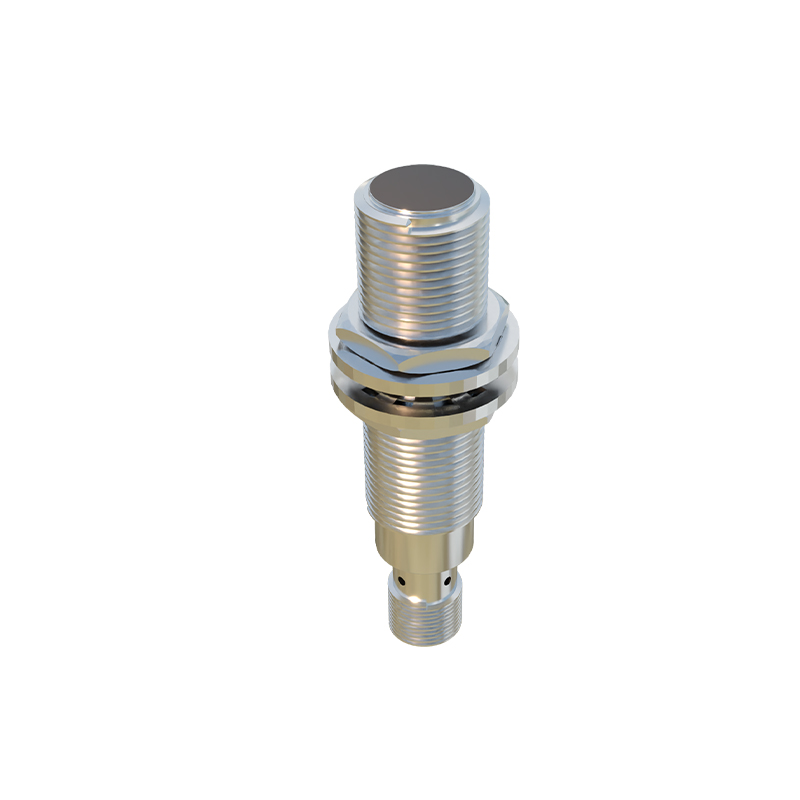
Preventive measures can significantly reduce the risk of proximity sensor problems. Using manufacturer-recommended or certified screen protectors and cases ensures proper cutouts. Avoiding exposure to excessive dust, moisture, and physical impacts preserves sensor integrity. For industrial sensors, adhering to a regular maintenance schedule that includes lens cleaning and environmental checks is crucial. Keeping device software updated also ensures the latest driver optimizations and bug fixes from the manufacturer.
When faced with a malfunctioning proximity sensor, a logical, step-by-step diagnostic approach is key. Start with the simplest solutions: clean the device, remove obstructions, and restart it. Proceed to software checks like Safe Mode or cache clearing. If problems persist in all environments, hardware failure becomes the likely suspect, necessitating professional assessment. By understanding these layers—from simple obstructions to complex hardware faults—users can effectively troubleshoot issues and technicians can implement accurate repairs, ensuring these silent but vital components continue to function reliably.