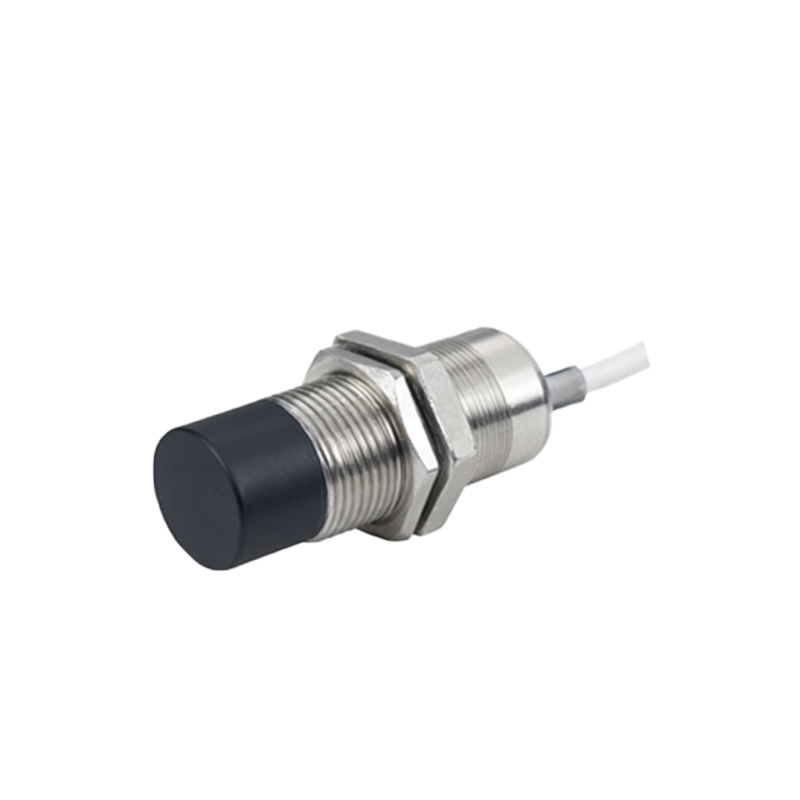
As an experienced electrical engineer, I often encounter situations where proximity sensors malfunction, leading to unexpected downtime in industrial automation systems. Proximity sensors, including inductive, capacitive, and ultrasonic types, are critical for detecting the presence or absence of objects without physical contact. When a sensor fails, it can disrupt entire production lines. Using a multimeter is a fundamental and effective method to diagnose sensor health. This guide provides a step-by-step approach to testing proximity sensors with a digital multimeter, ensuring accurate troubleshooting and maintenance.
First, ensure safety by disconnecting power to the sensor circuit. Verify the sensor type—commonly, inductive sensors are used for metal detection, while capacitive sensors detect various materials. Check the sensor datasheet for specifications like operating voltage, output type (PNP or NPN), and normal resistance values. For a basic test, set your multimeter to the DC voltage setting if testing powered sensors, or resistance (ohms) mode for unpowered checks.
To test a powered inductive proximity sensor, reconnect power and measure the voltage between the output wire and ground. For a PNP sensor (sourcing output), the voltage should read near the supply voltage (e.g., 24V DC) when no target is present, and drop to near 0V when a metal object is within range. For an NPN sensor (sinking output), the opposite occurs: low voltage without a target and high voltage with one. If readings deviate, the sensor may be faulty. For unpowered testing, disconnect the sensor and measure resistance across its terminals. A healthy sensor typically shows a specific resistance range (e.g., a few hundred ohms to several kilo-ohms, depending on the model). An open circuit (infinite resistance) or short circuit (near zero resistance) indicates damage.
Additionally, check the sensor's response by observing the multimeter display while moving a target object close to the sensing face. The output should switch promptly; sluggish or inconsistent responses suggest wear or internal issues. For capacitive sensors, ensure the environment is free from interference, as humidity or contaminants can affect readings. Always compare results with the manufacturer's guidelines—some sensors have built-in LEDs for status, but a multimeter provides precise quantitative data.
In summary, regular testing with a multimeter helps prevent failures and extends sensor lifespan. By following these steps, engineers can quickly identify faults, whether in wiring, power supply, or the sensor itself, minimizing downtime in industrial applications. Remember to document readings for future reference and maintain calibration tools for accuracy.