Infrared proximity sensors are widely used in industrial automation for object detection, distance measurement, and collision avoidance. Programming these sensors involves configuring parameters such as detection range, output mode, and response time to suit specific applications. This guide provides a step-by-step approach to programming infrared proximity sensors effectively.
First, understand the sensor's specifications. Most infrared proximity sensors operate on the principle of emitting infrared light and measuring the reflection from an object. Key parameters include sensing distance (typically 1cm to 30cm), output type (digital or analog), and supply voltage (commonly 5V or 12V). Refer to the datasheet for details like response frequency and environmental tolerances.
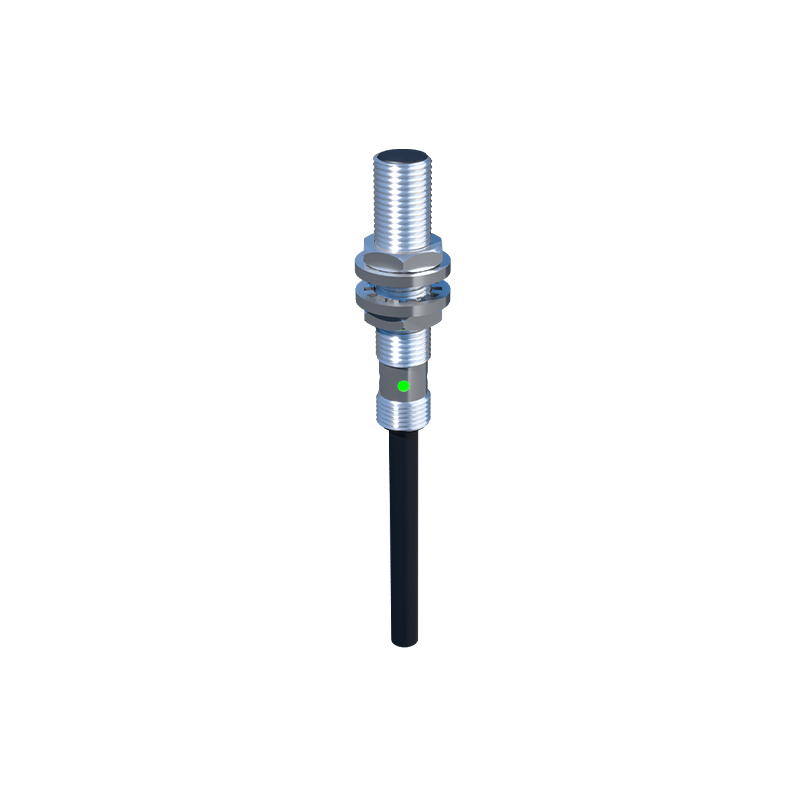
Next, connect the sensor to a microcontroller or PLC. For digital sensors, wire the VCC to power, GND to ground, and OUT to a digital input pin. Analog sensors require an analog input pin for continuous distance readings. Ensure proper shielding to avoid interference from ambient light or other infrared sources.
Programming begins with initializing the sensor. For Arduino-based systems, use thepinMode() function to set the OUT pin as INPUT. Read digital signals withdigitalRead() or analog signals withanalogRead(). Calibrate the sensor by placing an object at a known distance and adjusting thresholds. For example, set a threshold value to trigger an output when the object is within 10cm.
Adjust detection range using potentiometers on the sensor or via software. Many sensors feature a trimmer for coarse adjustment; fine-tune with code by mapping analog values to distance. Implement hysteresis to prevent output flickering near the threshold. For instance, program the sensor to activate only when the reading is below 200 and deactivate above 250.
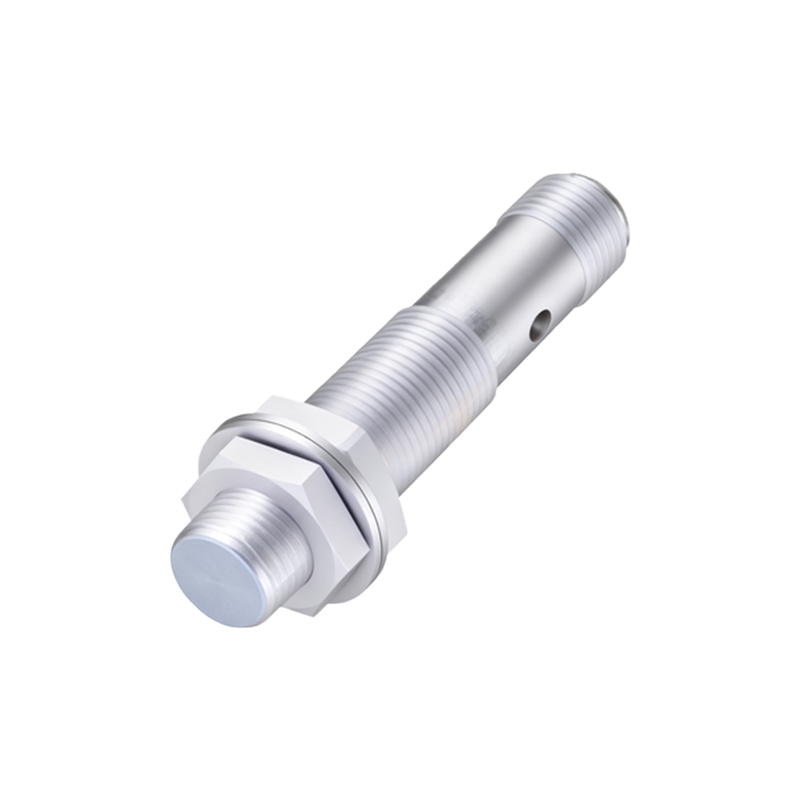
Configure output modes based on application needs. In industrial settings, sensors often interface with relays or PLCs. Program logic to handle NO (Normally Open) or NC (Normally Closed) outputs. Use timers to set response delays, ensuring stable detection in dynamic environments. For example, add a 50ms delay before confirming an object's presence to filter out transient signals.
Incorporate error handling and diagnostics. Monitor sensor health by checking for consistent readings or using built-in diagnostic features. Program alerts for malfunctions, such as continuous high output indicating dirt on the lens. Regular calibration routines can maintain accuracy over time.
Advanced programming includes multi-sensor networks. Synchronize multiple infrared sensors for area monitoring using protocols like I2C or RS-485. Implement algorithms for object tracking or speed measurement by analyzing sequential sensor triggers.
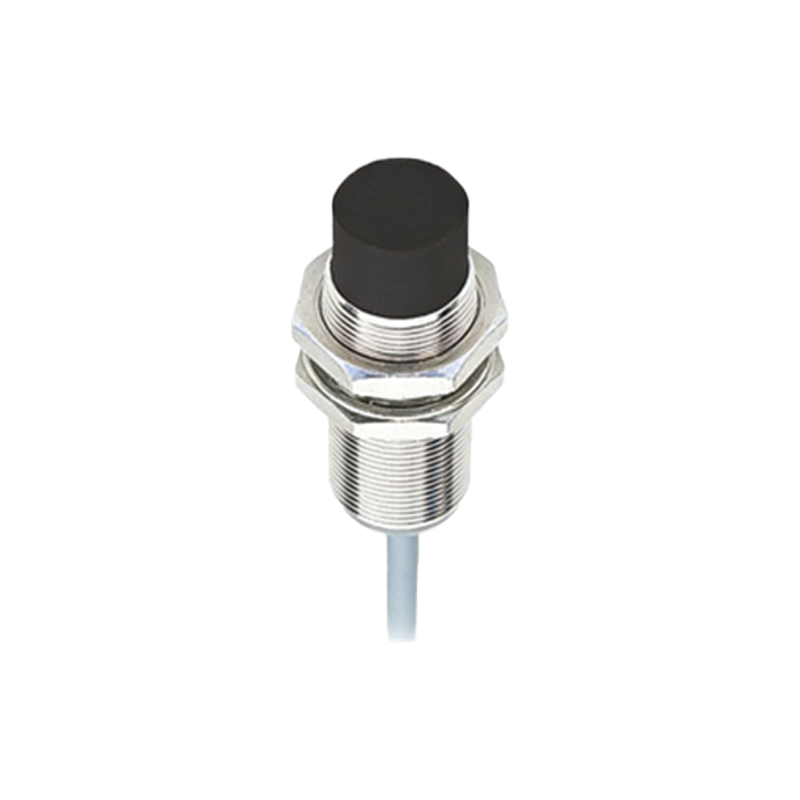
Testing is crucial. Validate the programming in real-world conditions, considering factors like object color and surface texture, which affect infrared reflection. Optimize code for low power consumption if used in battery-operated systems.
In summary, programming infrared proximity sensors requires attention to hardware setup, parameter configuration, and software logic. By following these steps, engineers can ensure reliable performance in automation, robotics, and safety systems.