In the realm of modern electronics, screen proximity sensors have become an indispensable component, quietly enhancing user experience and device efficiency. These small, often unnoticed sensors play a critical role in the functionality of smartphones, tablets, laptops, and various other smart devices. But what exactly is their purpose, and how do they contribute to the seamless operation we often take for granted?
At its core, a screen proximity sensor is a device that detects the presence or absence of nearby objects without any physical contact. Typically, it consists of an infrared (IR) LED and an IR light detector. The principle is straightforward: the IR LED emits a beam of infrared light. When an object, such as a user's face during a phone call, comes close to the screen, this light is reflected back and detected by the IR sensor. The sensor then sends this information to the device's processor, triggering a predefined action.
The most ubiquitous application is in smartphones during voice calls. When you bring the phone close to your ear, the proximity sensor detects this and automatically turns off the display. This serves multiple vital functions. Primarily, it prevents accidental screen touches by your cheek or ear, which could otherwise mute the call, activate the keypad, or launch other apps. Secondly, it conserves battery power by disabling the backlight of the screen when it is not needed. Once you move the phone away from your ear, the sensor detects the absence of the object and promptly turns the display back on, allowing you to use the keypad or end the call conveniently.
Beyond phone calls, the utility of these sensors extends to other smart interactions. Many devices use them to implement features like "Auto Wake" or "Pocket Mode." For instance, when a phone is pulled out of a pocket or bag, the sensor can detect the change in proximity and wake the device for immediate use. Conversely, when placed face down on a table, the sensor can keep the screen off to save power and prevent notifications from lighting up the display unnecessarily. This intelligent management of the display state is a key factor in optimizing battery life—a constant pursuit in mobile device design.

In the context of laptops and tablets, proximity sensors are increasingly integrated to enable features like "user presence detection." Some high-end laptops use them to sense when a user is in front of the device. If the user walks away, the sensor can trigger the system to automatically lock or go into sleep mode, enhancing security and energy efficiency. Upon the user's return, the device can wake up seamlessly, offering a frictionless user experience.
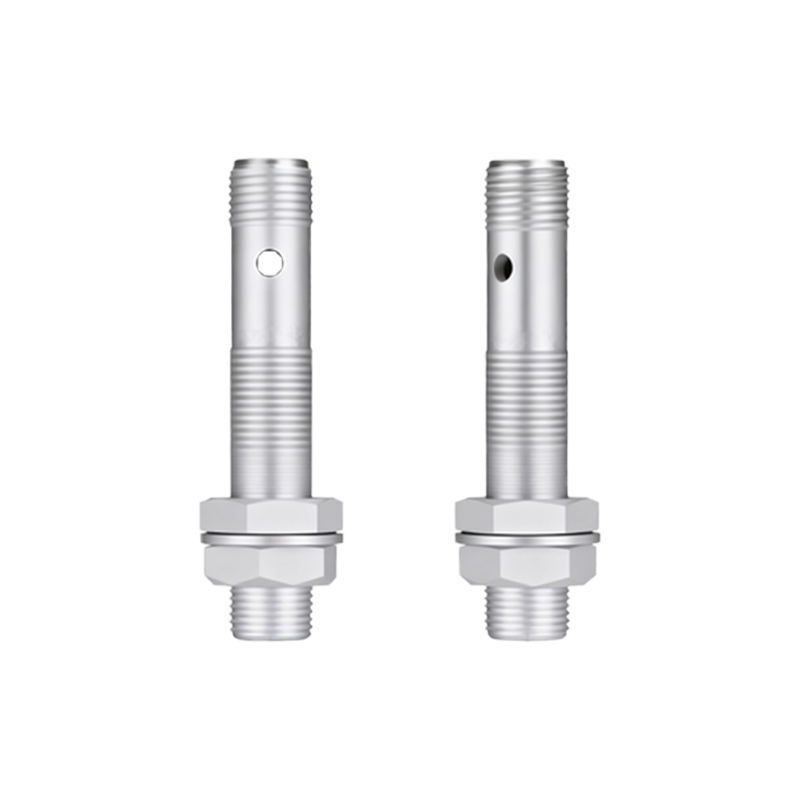
Furthermore, these sensors contribute to durability. By preventing unnecessary screen-on time when the device is in a confined space like a pocket, they reduce the risk of heat buildup and minimize phantom touch events that could drain the battery or cause system errors. In industrial settings, robust proximity sensors are used in touchscreen panels to detect the approach of a hand or tool, preparing the interface for interaction or preventing inputs in hazardous environments.
The technology behind proximity sensors continues to evolve. Modern implementations may use time-of-flight (ToF) sensors or advanced algorithms to improve accuracy and reduce false triggers. They are becoming more sophisticated in distinguishing between intentional proximity (like a face) and environmental factors (like a table surface).
In summary, screen proximity sensors are fundamental to creating intuitive, efficient, and power-conscious devices. They act as a simple yet intelligent interface between the user and the machine, managing the display and system states based on contextual cues. From preventing embarrassing accidental call hangs to securing your laptop data, their role is multifaceted. As devices strive to become more context-aware and autonomous in their operations, the humble proximity sensor will undoubtedly remain a key enabler, working silently behind the screen to make our digital interactions smoother and more reliable. Their integration exemplifies how a small piece of hardware, driven by simple physics, can have a profound impact on the overall functionality and user satisfaction of complex electronic systems.