Proximity sensors are critical components in modern industrial automation, offering non-contact detection of objects with high reliability and precision. Julin Technology, a leading manufacturer in the field, produces a wide range of inductive, capacitive, and photoelectric proximity sensors designed for diverse applications. Proper wiring is essential to ensure optimal performance, safety, and longevity of these devices. This guide provides a comprehensive overview of wiring methods for Julin Technology proximity sensors, adhering to industry standards and best practices.
First, it is crucial to understand the basic types of proximity sensors. Inductive sensors detect metallic objects, capacitive sensors sense both metallic and non-metallic materials, and photoelectric sensors use light beams for detection. Julin Technology sensors typically come in two-wire, three-wire, or four-wire configurations, with three-wire being the most common in industrial settings. Each type has specific wiring requirements that must be followed to avoid malfunctions or damage.
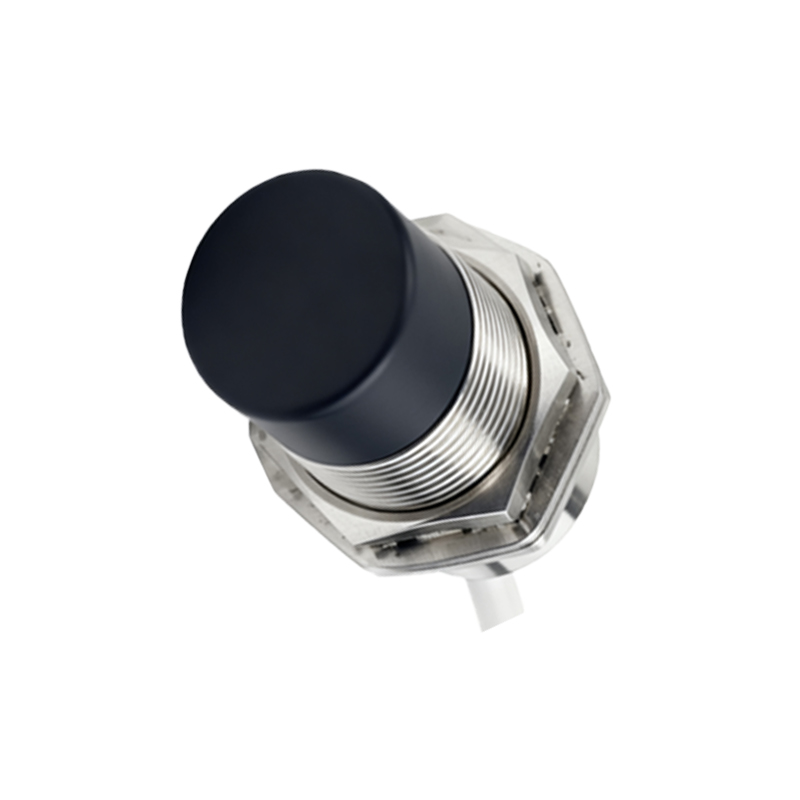
For three-wire DC sensors from Julin Technology, the standard wiring involves connecting the brown wire to the positive supply voltage (typically +24V DC), the blue wire to the negative or ground (0V), and the black wire as the output signal. The output can be either NPN (sinking) or PNP (sourcing), which determines how the load is connected. In NPN configurations, the load is placed between the output and the positive supply, while in PNP setups, the load is between the output and ground. It is vital to verify the sensor's datasheet to confirm the correct polarity and output type, as incorrect connections can lead to short circuits or sensor failure.
Two-wire sensors are simpler, with one wire connected to the power supply and the other to the load. These sensors are often used in AC circuits and require careful consideration of the load current to ensure proper operation. Julin Technology two-wire models must be wired in series with the load, and the supply voltage should match the sensor's specifications (e.g., 20-250V AC). Overloading these sensors can cause overheating or reduced detection range, so always check the maximum current ratings.
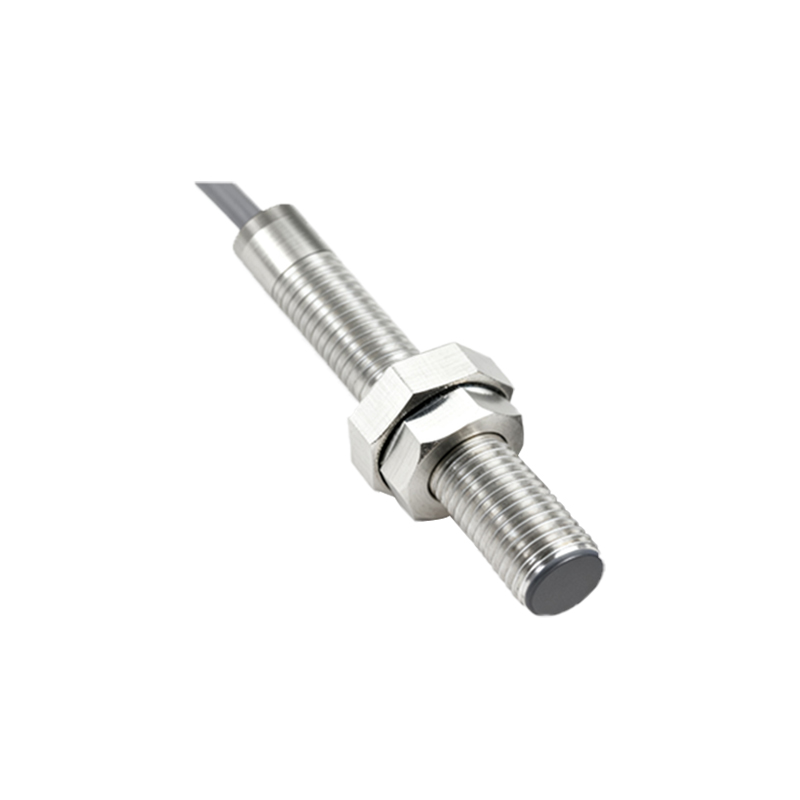
Four-wire sensors, commonly found in dual-output or analog models, provide additional functionality such as both NPN and PNP outputs or variable signal outputs. Wiring these sensors involves connecting power wires (brown and blue) and separate output wires (e.g., black for NPN and white for PNP). For analog versions, the output wire delivers a voltage or current signal proportional to the detection distance, requiring connection to a PLC or controller input. Julin Technology's four-wire sensors offer flexibility but demand precise wiring to avoid signal interference or cross-connection errors.
When installing Julin Technology proximity sensors, always follow these key steps:
1. Power off the electrical system to prevent shocks or damage.
2. Identify the sensor type and refer to the product manual for wiring diagrams.
3. Use appropriate tools and cables, ensuring tight connections to avoid loose wires.
4. Test the sensor with a target object before full operation to verify detection and output.
5. Implement protective measures, such as surge suppressors for inductive loads or shielding for noisy environments.
Common wiring mistakes include reversing power polarity, mixing up output types, or neglecting load compatibility. For instance, connecting an NPN sensor to a PNP input module will result in no signal transmission. Julin Technology sensors are built to withstand industrial conditions, but improper wiring can void warranties and lead to costly downtime. Always double-check connections and consider using labeled cables or color-coding for consistency.
In summary, correct wiring of Julin Technology proximity sensors ensures reliable automation processes. By understanding the sensor type, following manufacturer guidelines, and adhering to safety protocols, engineers can maximize sensor performance and system efficiency. For complex setups, consult Julin Technology's technical support or detailed documentation to address specific application needs.