Cylindrical proximity sensors are widely used in industrial automation for detecting the presence or absence of objects without physical contact. Proper adjustment is crucial to ensure reliable operation, minimize false triggers, and extend sensor lifespan. This guide outlines key methods for adjusting cylindrical proximity sensors, covering setup, calibration, and troubleshooting.
First, understand the sensor type. Inductive sensors detect metallic objects, while capacitive sensors can sense both metallic and non-metallic materials. Check the datasheet for specifications such as sensing distance, operating voltage, and output type (e.g., NPN or PNP). Mount the sensor securely in its intended location, ensuring it is aligned correctly with the target object. Avoid mounting near metal surfaces or other sensors that could cause interference, as this may reduce effective sensing range.
Adjust the sensing distance according to the application requirements. Most cylindrical proximity sensors have a rated sensing distance (Sn), but the actual usable distance is often shorter due to environmental factors. Use the manufacturer’s adjustment screw or potentiometer, if available, to fine-tune sensitivity. For sensors without manual adjustment, ensure the target object is within the specified range. Test with the actual target material and size, as different materials (e.g., steel vs. aluminum) affect detection. Move the target toward the sensor slowly until the output activates, then note the distance for consistency.
Calibrate the sensor under real operating conditions. Power the sensor with the correct voltage and connect it to the control system (e.g., PLC). Monitor the output signal using a multimeter or oscilloscope to verify switching behavior. Adjust the hysteresis setting, if applicable, to prevent chatter when the target is near the detection threshold. Hysteresis creates a difference between the switch-on and switch-off points, enhancing stability in dynamic environments. For example, if a sensor activates at 5mm, set it to deactivate at 4mm to avoid rapid toggling.
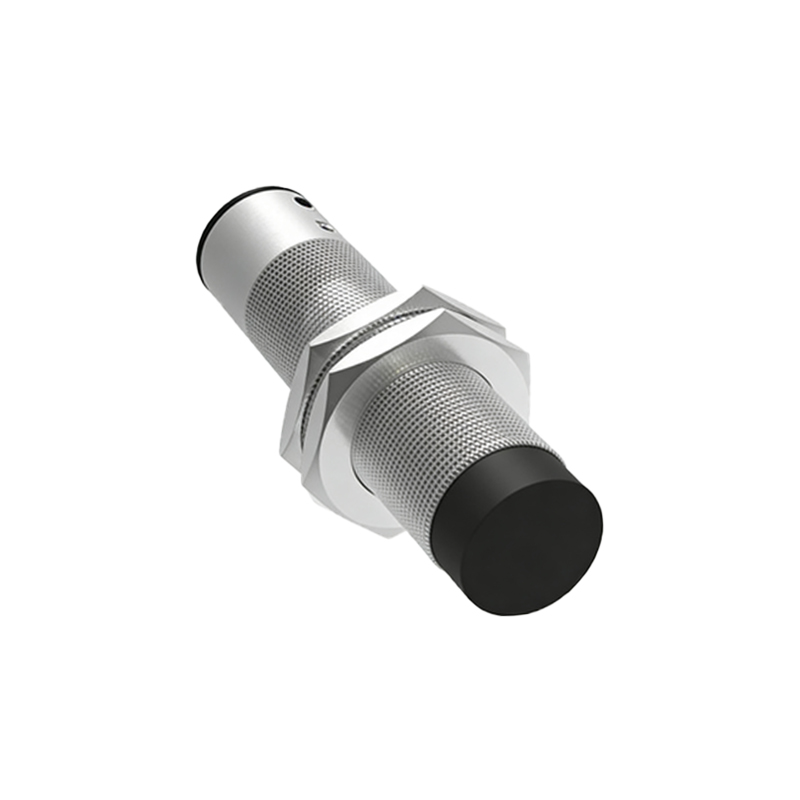
Consider environmental adjustments. Temperature fluctuations, humidity, dust, or vibration can impact performance. Shield the sensor from extreme conditions using enclosures or selecting models with higher IP ratings. In noisy electrical environments, use shielded cables and ensure proper grounding to reduce electromagnetic interference. Regularly clean the sensor face to prevent buildup of contaminants that might attenuate the sensing field.
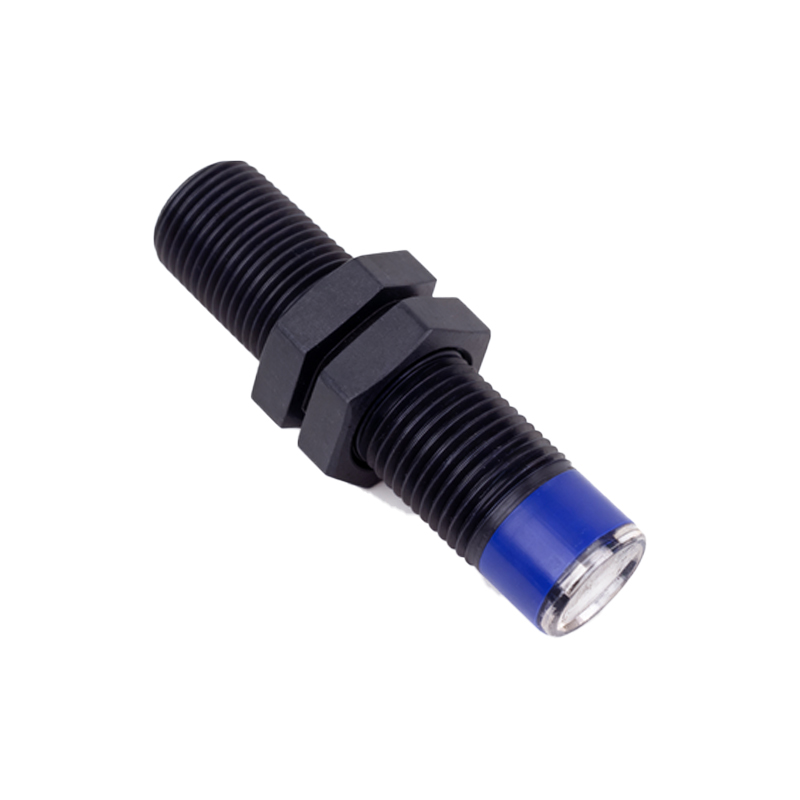
Troubleshoot common issues. If the sensor fails to detect, check power supply connections and wiring. Verify that the target is within range and made of a compatible material. For false triggers, reduce sensitivity or increase the gap between the sensor and interfering objects. Some advanced sensors feature teach-in functions for automatic calibration—refer to the manual for specific procedures. Always document adjustments for future maintenance.
In summary, adjusting cylindrical proximity sensors involves precise mounting, distance calibration, environmental considerations, and systematic testing. Following these steps ensures optimal detection accuracy and reliability in industrial applications, contributing to efficient automation processes. Regular maintenance and adherence to manufacturer guidelines further support long-term performance.