Proximity sensors are integral components in modern mobile devices, primarily designed to detect the presence of nearby objects without physical contact. As an electrical engineer working in the consumer electronics industry, understanding the operational principles, integration methods, and practical applications of these sensors is crucial for optimizing device performance and user experience. This guide delves into the technical aspects of using proximity sensors in mobile devices, covering their functionality, implementation, and troubleshooting.
Proximity sensors in smartphones and tablets typically operate based on infrared (IR) technology. An IR LED emits an infrared beam, which reflects off nearby objects and is captured by an IR photodetector. The sensor measures the intensity of the reflected signal to determine the distance between the object and the device. This mechanism is commonly used to deactivate the touchscreen during phone calls when the device is held close to the ear, preventing accidental touch inputs and conserving battery life. Advanced variants may incorporate ultrasonic or capacitive sensing for enhanced accuracy in diverse environments.
To effectively use a proximity sensor in mobile device design, engineers must consider several key factors. First, sensor placement is critical—typically positioned near the earpiece or front-facing camera to align with user interaction patterns. Calibration is essential to set appropriate detection thresholds, ensuring the sensor responds accurately to objects within a defined range (usually 1–5 cm). This involves adjusting parameters such as IR pulse frequency and receiver sensitivity in firmware. Integration with the device’s operating system (e.g., Android or iOS) requires driver development and API implementation to enable functions like screen blanking or gesture recognition. For example, on Android platforms, the SensorManager class can be used to register proximity data listeners for real-time processing.
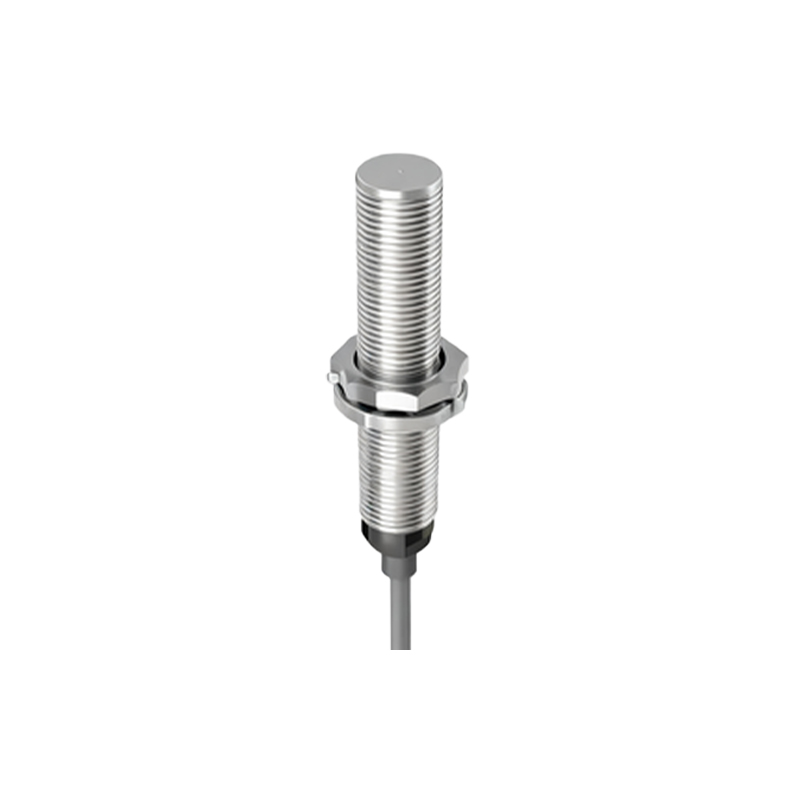
In practical applications, proximity sensors extend beyond call management. They are employed in features like automatic screen wake-up when a user approaches the device, pocket detection to prevent unintended operations, and gesture-based controls (e.g., waving to silence alarms). Engineers must account for environmental interferences, such as ambient light or reflective surfaces, which can cause false readings. Shielding the sensor with opaque materials and implementing software filters (e.g., median filtering algorithms) helps mitigate noise. Additionally, power efficiency is a priority; sensors should operate in low-power modes when idle and wake only upon triggering events.
Testing and validation are vital stages in deploying proximity sensors. Engineers should conduct bench tests using calibrated targets to verify detection ranges and response times. In-field testing under varied conditions—like bright sunlight or dark rooms—ensures robustness. Debugging tools, such as logic analyzers or sensor debug logs, assist in identifying issues like signal drift or hardware misalignment. Common problems include inconsistent detection due to dirty sensor surfaces or firmware bugs; regular maintenance and firmware updates can address these.
Looking ahead, innovations in proximity sensing include time-of-flight (ToF) sensors for 3D mapping and multi-sensor fusion with cameras or ambient light sensors. These advancements enable features like augmented reality and improved battery management. As an engineer, staying updated with industry standards—such as those from the Infrared Data Association (IrDA)—and collaborating with component suppliers ensures optimal sensor selection and integration.
In summary, proximity sensors are versatile tools in mobile device engineering, enhancing usability and efficiency. By mastering their technical nuances—from hardware design to software integration—engineers can drive innovation and deliver seamless user experiences. Always prioritize precision, power management, and environmental adaptability in your designs to leverage the full potential of these sensors.