In industrial automation and electronic systems, proximity sensors play a critical role in detecting the presence or absence of objects without physical contact. However, a common and frustrating issue faced by engineers and technicians is proximity sensor inaccuracy. When a sensor fails to detect an object reliably, provides inconsistent readings, or triggers false signals, it can lead to production downtime, quality defects, and safety concerns. Understanding the root causes of this inaccuracy is the first step toward implementing effective solutions.
One of the primary culprits behind inaccurate readings is environmental interference. Proximity sensors, particularly inductive and capacitive types, are sensitive to their surroundings. The presence of other metal objects in the sensing field, strong electromagnetic fields from nearby motors or welding equipment, and even temperature fluctuations can distort the sensor's electromagnetic field. This can cause the sensor to activate prematurely, fail to detect a target, or exhibit a reduced sensing range. For instance, an inductive sensor calibrated for steel might behave erratically if an aluminum bracket is mounted too close to its face.
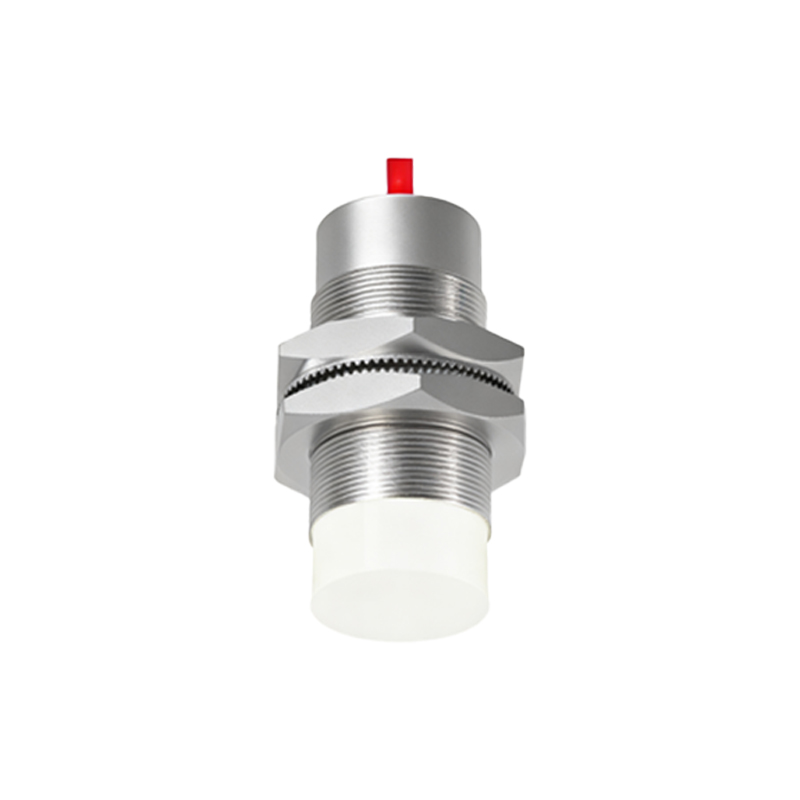
Another significant factor is target-related issues. The sensor's performance is heavily dependent on the target material, size, shape, and approach angle. Using a sensor designed for ferrous metals to detect non-ferrous metals like copper or aluminum will result in a drastically reduced sensing distance, often perceived as inaccuracy. Similarly, if the target object is smaller than the sensor's sensing face or approaches from an oblique angle, the effective sensing point shifts, leading to missed detections. Contaminants such as oil, dust, or metallic shavings accumulating on the sensor face can also create a false barrier, insulating the target and preventing proper detection.
Improper installation and configuration are frequent, yet preventable, causes of inaccuracy. Mounting the sensor too close to other metal surfaces can cause "side sensing" or shielding effects. Incorrect wiring, loose connections, or voltage drops in the supply line can lead to unstable operation. Furthermore, many modern sensors have adjustable sensitivity or hysteresis settings. If these are not correctly configured for the specific application—setting the sensitivity too high might cause false triggers from vibration, while setting it too low might miss valid targets—inaccuracy is inevitable.
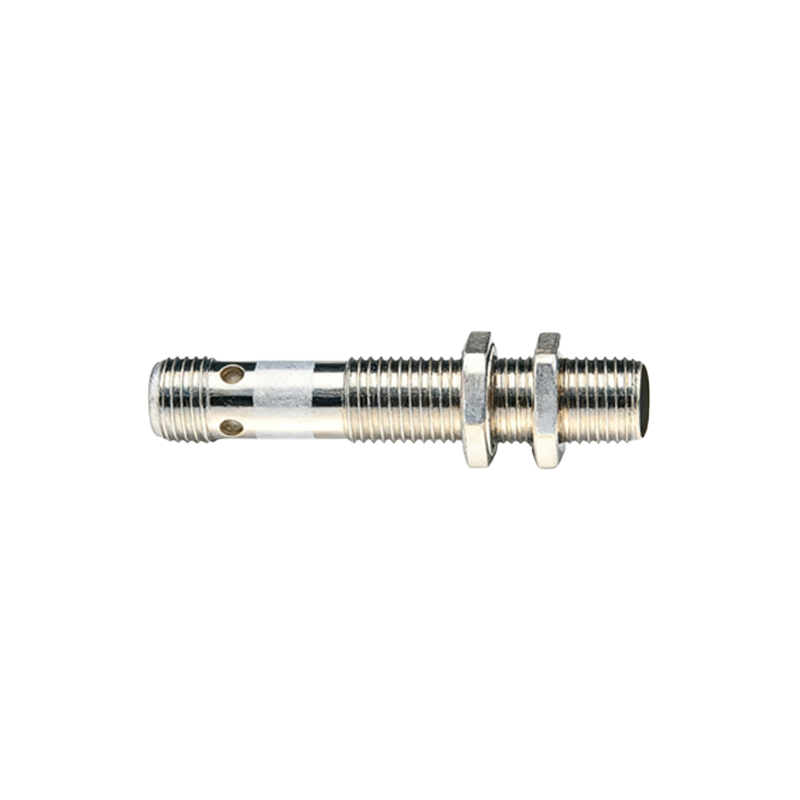
Sensor degradation over time is a natural cause of drift and inaccuracy. Internal electronic components can age, and the oscillator coil in inductive sensors can weaken. Physical damage to the sensing face or housing from impacts or harsh chemicals can alter its characteristics. Regular wear and tear in demanding environments will eventually move any sensor out of its original specification.
Addressing proximity sensor inaccuracy requires a systematic troubleshooting approach. Begin by verifying the basics: ensure the correct sensor type (inductive, capacitive, ultrasonic) is selected for the target material and application environment. Check the power supply for stability and confirm all wiring is secure and correct according to the datasheet.
To combat environmental interference, consider increasing the distance between the sensor and potential sources of interference. Using shielded cables and proper grounding techniques can mitigate electrical noise. For problematic environments, sensors with built-in noise immunity or ruggedized housings (e.g., weld-field immune models) are available. Maintaining a clean sensor face through regular maintenance schedules is essential.
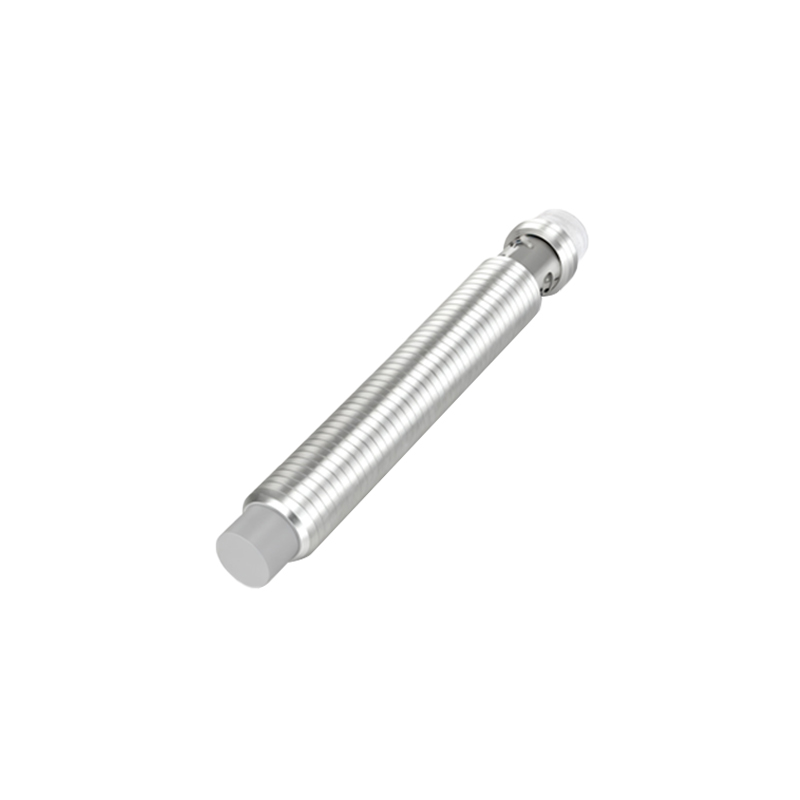
When target issues are suspected, review the sensor's datasheet for its specific sensing characteristics relative to your target. Ensure the target meets the minimum size requirement and approaches the sensor head-on. For non-standard materials, testing with the actual target during the selection phase is crucial. Adjusting the sensor's mounting position or angle can sometimes resolve detection problems.
Re-calibration is a key step. If the sensor has a potentiometer for sensitivity adjustment, use the actual target to fine-tune it. The goal is to find a setting where the sensor reliably detects the target without being triggered by background conditions. Always follow the manufacturer's procedure for teach-in or calibration.
Finally, if the sensor continues to perform inaccurately after these steps, it may have suffered internal damage or reached the end of its service life. Replacing the sensor with a new, correctly specified unit is often the most reliable solution. Implementing a preventive maintenance program to periodically check and clean sensors can prevent many accuracy issues from occurring in the first place.
By methodically investigating environmental conditions, target properties, installation integrity, and sensor health, most causes of proximity sensor inaccuracy can be identified and rectified, ensuring reliable and continuous operation of automated systems.