In the realm of modern smartphone design, user experience is paramount. A subtle yet crucial component contributing to this seamless interaction is the proximity sensor. This small, often overlooked piece of technology plays a vital role in the device's functionality and power management. But what exactly is a proximity sensor in a smartphone, and how does it work?
At its core, a proximity sensor is a non-contact sensor that detects the presence or absence of an object, typically the user, within a short range. In smartphones, its primary function is to determine when the device is held close to the user's ear during a phone call. Upon detection, the sensor signals the system to turn off the touchscreen display. This serves a dual purpose: it prevents accidental touch inputs from the cheek or ear (a phenomenon often called "cheek dialing") and conserves battery power by deactivating the power-intensive display backlight.
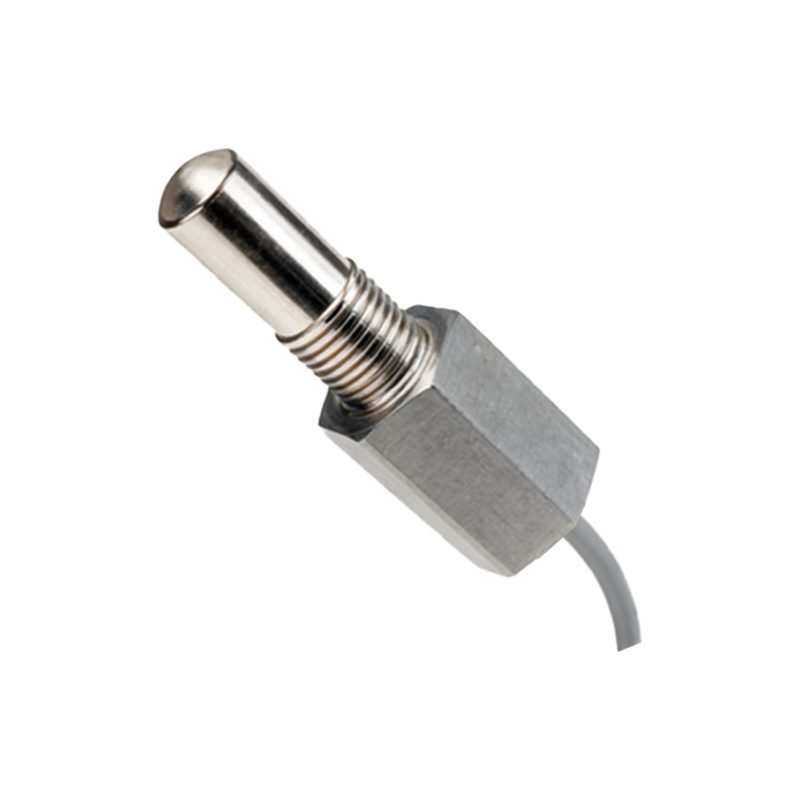
The most common technology employed in smartphone proximity sensors is the infrared (IR) sensor. A typical IR-based proximity sensor consists of two main elements: an infrared LED (Light Emitting Diode) and an IR light detector or photodiode. The IR LED emits an invisible beam of infrared light. When an object, like a user's head, comes near the phone's earpiece, this light reflects off the object and is captured by the IR detector. The sensor's circuitry then measures the intensity of the reflected light. If the intensity exceeds a certain threshold, it confirms the presence of a nearby object. The sensor communicates this data to the phone's processor, which then triggers the predefined action—turning off the display.
Some advanced systems may use a dedicated Time-of-Flight (ToF) sensor or a combination of sensors for more precise distance measurement, but the fundamental IR reflection principle remains dominant due to its cost-effectiveness and reliability for this specific application.
The integration of the proximity sensor is a sophisticated process. It is usually placed near the earpiece speaker at the top of the phone's front bezel or within the display notch/punch-hole. Modern smartphones with edge-to-edge displays face significant engineering challenges in housing this sensor. Manufacturers have developed innovative solutions, such as placing the sensor under the display (using specialized OLED panels that are transparent to specific IR wavelengths) or using the front-facing camera and software algorithms in conjunction with other sensors to infer proximity, reducing the need for a dedicated hardware component.
Beyond the classic phone call scenario, the applications of the proximity sensor have expanded. It is integral to features like automatic screen wake-up when you pick up the phone or move it away from your ear. It can also prevent accidental activation of the screen when the phone is in a pocket or bag. Some user interface designs leverage the sensor for "Air Gestures," allowing users to perform actions like silencing an alarm or skipping a music track by waving a hand over the sensor area without touching the screen.
From an engineering and maintenance perspective, issues with the proximity sensor can lead to user frustration. Common problems include the screen turning off prematurely during calls or failing to turn back on when moved away from the ear. These can stem from a dirty sensor area (blocked by dust or a screen protector), software glitches, or hardware failure. Troubleshooting often involves cleaning the sensor area, recalibrating the sensor through device settings or diagnostic codes, or, in persistent cases, professional hardware repair.
Looking ahead, the role of the proximity sensor is evolving. As smartphones incorporate more ambient sensors and advanced machine learning, the discrete proximity sensor may become part of a multifunctional sensor hub. However, its fundamental purpose—enabling intelligent, context-aware interaction between the device and the user—will remain a cornerstone of smartphone design. It exemplifies how a simple, automated response to a basic physical cue significantly enhances the practicality and polish of our daily technology.