In industrial automation and control systems, proximity sensors are indispensable components for detecting the presence or absence of objects without physical contact. Their reliability is paramount for ensuring seamless operations in manufacturing, packaging, material handling, and robotics. However, a frequent and frustrating issue encountered by maintenance engineers and technicians is the failure of a proximity sensor to read a signal. This malfunction can lead to unexpected downtime, production halts, and potential safety hazards. Understanding the root causes, systematic troubleshooting methods, and effective solutions is critical for any electrical professional.
The primary function of a proximity sensor is to generate an electrical output signal when a target object enters its sensing field. Common types include inductive (for detecting metals), capacitive (for detecting both metals and non-metals), and ultrasonic sensors. When a sensor fails to detect, the first step is to confirm the symptom: Is there no output signal at all, or is the signal intermittent and unreliable? The approach differs based on this initial diagnosis.
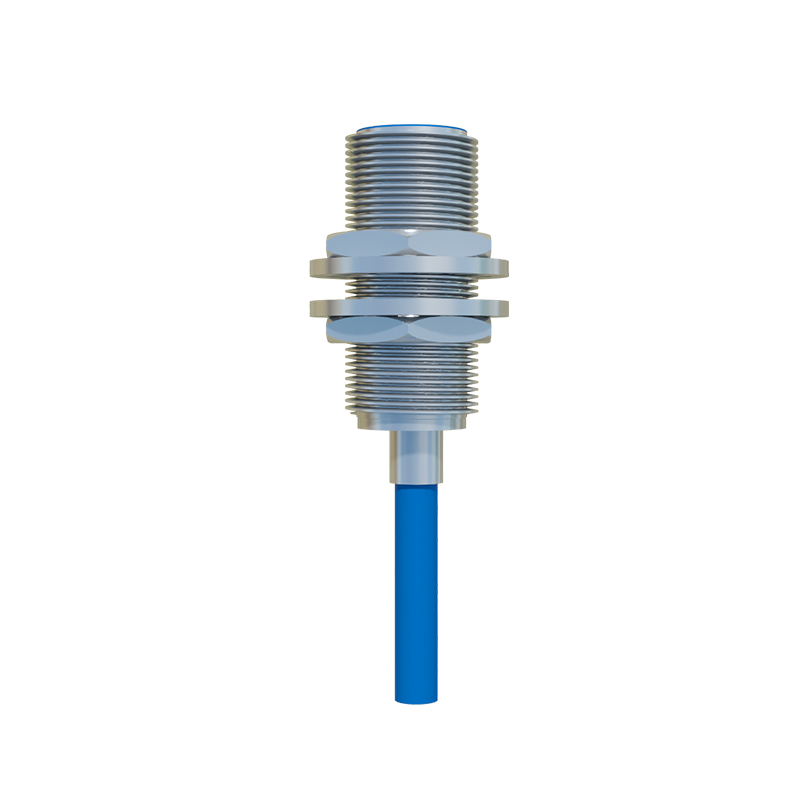
A comprehensive troubleshooting procedure should begin with the most straightforward checks before progressing to more complex scenarios. First, verify the power supply. Ensure the sensor is receiving the correct voltage (e.g., 10-30 VDC for most DC sensors) within its specified range. Use a multimeter to measure voltage at the sensor's terminals. A low or fluctuating power supply can prevent the sensor from operating correctly. Also, check for proper grounding, as poor grounding is a common source of electrical noise and instability.
Next, inspect the physical installation and environment. For inductive sensors, the sensing distance can be affected by the target material. A sensor calibrated for mild steel may have a reduced range for aluminum or stainless steel. Ensure the target object is within the nominal sensing distance and is approaching the sensor's active face correctly. Environmental factors are crucial; excessive dust, oil, coolant, or metal chips can coat the sensor face, attenuating the sensing field. For capacitive sensors, changes in humidity or the presence of contaminants can cause false triggers or failures to detect. Ultrasonic sensors can be disrupted by air turbulence, temperature variations, or acoustic interference.
The third area of focus is the sensor's configuration and wiring. Review the wiring diagram. A common error is incorrect connection between NPN (sinking) and PNP (sourcing) output types relative to the PLC or controller input. Ensure the load (the PLC input module) is correctly connected in series with the sensor output. Check for loose connections, damaged cables, or compromised insulation that could cause short circuits or open circuits. For 3-wire sensors, confirm the correct connection of the brown wire (positive), blue wire (negative/0V), and black wire (signal output).
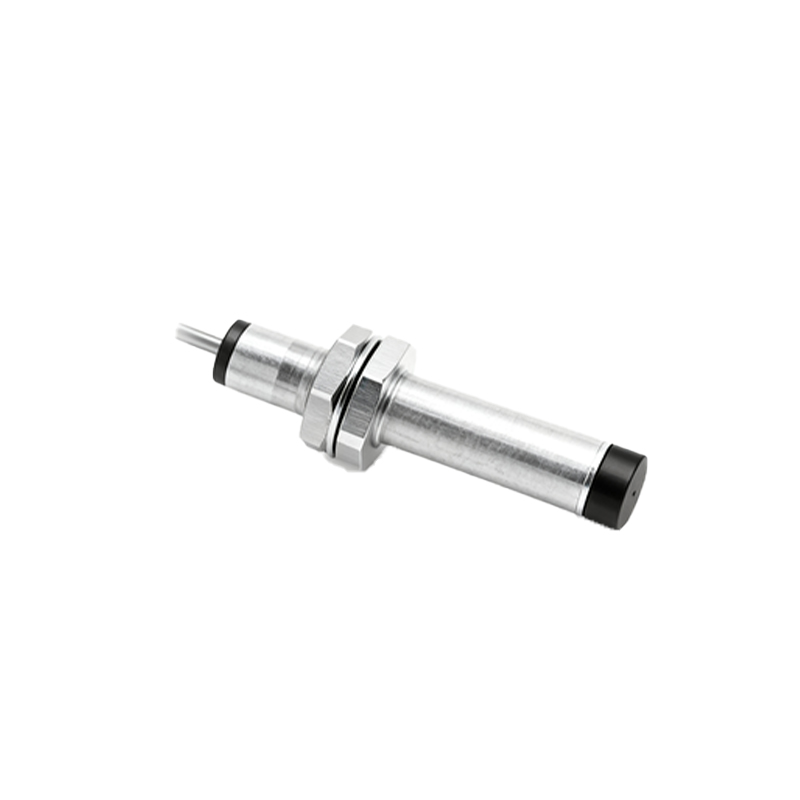
Electrical noise and interference are pervasive challenges in industrial settings. Noise from variable frequency drives (VFDs), motors, welding equipment, or high-current cables can induce spurious signals or swamp the sensor's output. To mitigate this, ensure sensor cables are routed away from power lines and noise sources, preferably in separate conduits. Using shielded cables with the shield properly grounded at one end (typically the control panel end) is essential. In severe cases, installing ferrite cores on the sensor cable near the connector can suppress high-frequency noise.
Sensor degradation and failure over time must also be considered. The internal oscillator and amplifier circuitry can degrade due to prolonged exposure to high temperatures, voltage spikes, or mechanical vibration. If the sensor is old or has been in a harsh environment, it may simply be at the end of its service life. A simple substitution test with a known-good sensor of the same model is often the quickest way to confirm sensor failure.
Finally, consider the load and the controller. The sensor might be functioning, but the connected PLC input module could be faulty, or its input filtering settings might be too aggressive, filtering out legitimate signals. Test the sensor's output with a multimeter or a pilot lamp to see if it activates independently. Verify the PLC input indicator and its diagnostic data.
In conclusion, a methodical approach is key to resolving proximity sensor signal issues. Start with power and basics, examine the environment and target, verify wiring and configuration, address electrical noise, and finally, test the sensor and load components. Regular preventive maintenance, including cleaning sensor faces, checking connections, and monitoring environmental conditions, can prevent many of these issues from occurring in the first place, ensuring higher system reliability and uptime.