In the realm of industrial automation and consumer electronics, proximity sensors are indispensable components, providing non-contact detection of nearby objects. A common and often perplexing issue encountered by engineers and technicians is the "black screen" or complete failure of a system linked to a proximity sensor. This phenomenon, where a display or control interface goes dark or unresponsive, can halt production lines, disrupt processes, and lead to significant downtime. Understanding the root causes, systematic troubleshooting methods, and preventive measures is crucial for maintaining operational efficiency.
The "black screen" issue is rarely a fault of the display unit itself but rather a symptom of a problem within the sensor system or its integration. The primary causes can be categorized into electrical, environmental, and configuration-related factors.
Electrical Causes:
1. Power Supply Issues: This is the most frequent culprit. Voltage spikes, sags, or complete loss of power to the sensor or its controller can cause immediate failure. Incorrect voltage rating (e.g., applying 24V to a 12V sensor) can damage internal circuitry. Poor grounding creates electrical noise, leading to erratic behavior and eventual shutdown.
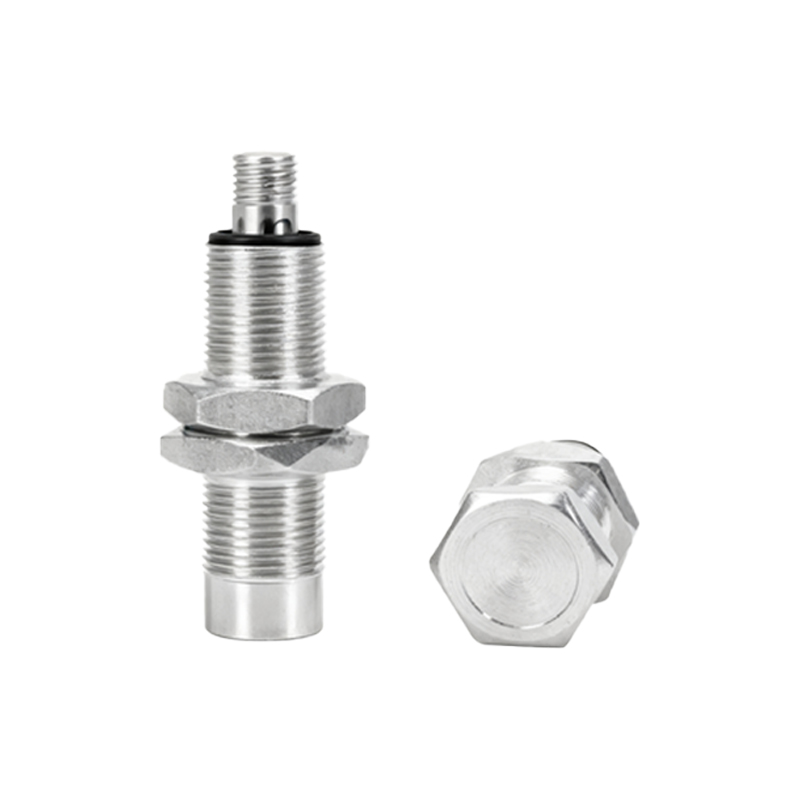
2. Wiring and Connection Faults: Loose terminal connections, broken wires, or short circuits in the cabling between the sensor, power supply, and PLC (Programmable Logic Controller) can interrupt signal transmission. Corrosion at connection points, especially in humid environments, increases resistance and disrupts operation.
3. Load Compatibility: Exceeding the sensor's maximum switching current or connecting an incompatible load (e.g., highly inductive loads without proper suppression) can damage the sensor's output transistor, causing permanent failure.
Environmental Causes:
1. Physical Damage and Contamination: Impact, vibration, or ingress of foreign materials like metal chips, oil, or coolant can physically damage the sensor's face or internal components. Accumulation of dirt or debris on the sensing face can attenuate or block the sensing field.
2. Electromagnetic Interference (EMI): Operating in areas with strong EMI from motors, welding equipment, or radio transmitters can induce noise into the sensor's signal lines, causing false triggering or a complete lock-up.
3. Temperature Extremes: Operating outside the sensor's specified temperature range can cause component failure. High temperatures can degrade semiconductors, while extreme cold can affect material properties and battery performance (in self-contained units).
Configuration and Application Errors:
1. Incorrect Sensing Distance: Attempting to detect an object beyond the sensor's nominal range will result in no signal. This is often mistaken for a sensor failure.
2. Target Material and Size: Inductive sensors are designed for metals; using them to detect non-metals will fail. The target object must also be large enough to interact sufficiently with the sensor's electromagnetic or ultrasonic field.
3. Mounting and Alignment: Improper mounting (e.g., flush vs. non-flush for inductive sensors) or misalignment between the sensor and the target path can drastically reduce effective sensing distance.
4. Software/PLC Logic Fault: An error in the controller's program, such as a missed scan or incorrect logic rung, can make it appear as if the sensor has failed when the issue lies in the data processing stage.
Systematic Troubleshooting Approach:
A methodical approach is key to resolving a proximity sensor black screen issue efficiently.
1. Visual Inspection: Check for obvious physical damage, loose connections, contaminated sensing face, and correct installation alignment.
2. Verify Power: Use a multimeter to confirm the correct voltage is present at the sensor's power terminals. Check for stable voltage without noise.
3. Check Sensor Output: For a discrete (on/off) sensor, use a multimeter or a simple LED test circuit to see if the output switches state when a target is presented. For analog or IO-Link sensors, use manufacturer-specific software to monitor the live output value.
4. Isolate the Problem: Bypass the sensor temporarily with a known-good sensor or a manual switch into the PLC input. If the system responds, the issue is with the original sensor or its cabling. If not, the problem may be in the PLC input card, wiring to the PLC, or the program.
5. Review Configuration and Environment: Re-check sensor specifications against the application requirements (target, distance, material). Assess the environment for new sources of EMI, heat, or contamination.
Preventive Maintenance and Best Practices:
Preventing black screen failures is more cost-effective than troubleshooting. Implement these practices:
Proper Selection: Choose sensors with appropriate environmental ratings (IP67/IP69K, temperature range), sensing technology, and electrical specifications for the application.
Rob