In the intricate world of modern laser printers, a silent orchestra of components works in perfect harmony to transform digital data into crisp, physical pages. Among these critical components, sensors play a pivotal, yet often overlooked, role. They are the printer's sensory organs, constantly monitoring, measuring, and reporting back to the main logic board to ensure every step of the printing process occurs with precision. Without these sophisticated devices, the reliable operation we take for granted would be impossible.
At its core, a laser printer relies on a series of sensors to navigate the complex electrophotographic process. This journey begins with the paper tray. Here, paper presence sensors detect whether media is loaded. More advanced paper width and length sensors then identify the size and type of paper, allowing the printer to automatically adjust its settings. As a sheet is picked up by the feed rollers, it passes a crucial checkpoint: the registration sensor. This sensor ensures the paper arrives at the exact moment the imaging drum is ready to transfer the toner. Any misalignment here results in skewed text or images.
The heart of the printing process involves the photosensitive drum and toner. Sensors here are vital for quality control. Drum thermistors monitor the temperature of the fuser assembly, critical for melting toner onto the paper without causing jams or burns. Toner level sensors, often using optical or magnetic principles, communicate when cartridges are running low. Some printers employ density sensors to scan test patterns printed on the drum or transfer belt, automatically calibrating toner density for consistent print darkness across thousands of pages.
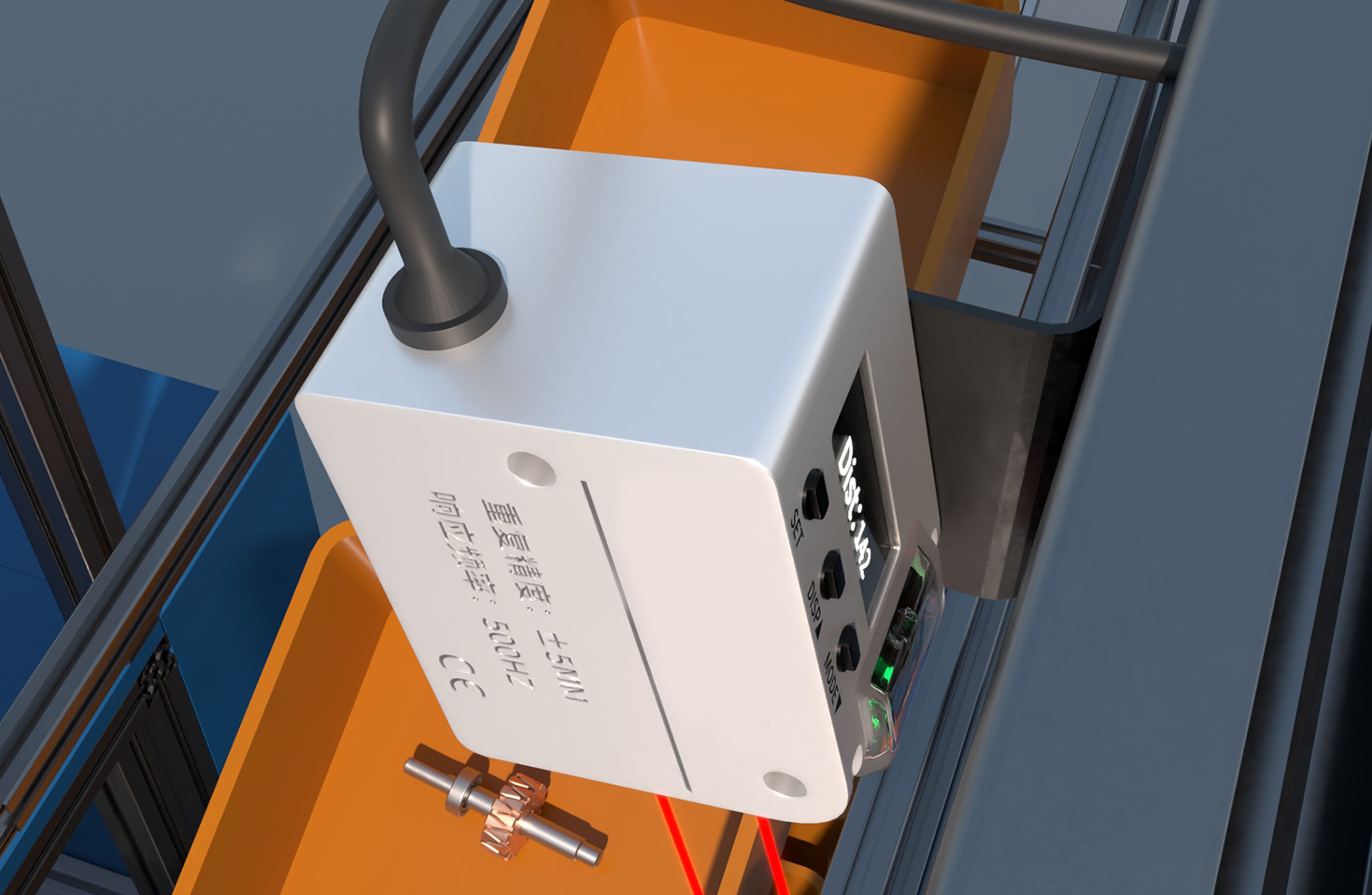
Another critical category is the cover interlock sensor. This simple but essential safety device cuts power to high-voltage components and the laser unit when any access door is opened, protecting users from electrical hazards and intense light. Similarly, fuser temperature sensors and thermostats work in tandem to prevent overheating, a key safety and fire-prevention feature.
When printer errors occur, sensors are frequently the source—or the messenger—of the problem. A persistent "Paper Jam" error might not always mean crumpled paper; it could be caused by a faulty paper jam sensor that is stuck in the "activated" position, even when the path is clear. A "Replace Toner" warning that appears immediately after installing a new cartridge often points to a malfunctioning toner sensor or a need to reset the printer's memory. Error codes related to the fuser, such as those indicating temperature irregularities, usually trace back to a failed fuser thermistor.

Diagnosing sensor issues requires a systematic approach. For paper feed problems, visually inspecting the sensor's actuator arm for freedom of movement and cleaning any accumulated dust or toner with compressed air can resolve many issues. For electrical testing, a multimeter is often necessary to check for proper voltage changes as the sensor is activated and deactivated. It is crucial to consult the printer's service manual for specific values and locations. In many modern printers, entering a diagnostic mode can display real-time sensor statuses, providing invaluable clues.
Maintenance is the best defense against sensor failure. Keeping the printer's interior clean from toner dust and paper debris is paramount. Using recommended paper types prevents dust and paper coatings from contaminating sensor optics. Avoiding abrupt power cuts allows the printer to perform its internal sensor checks and calibration routines properly during shutdown and startup.
The evolution of printer sensors continues. Modern high-end printers now integrate more advanced environmental sensors, like humidity sensors, to adjust fuser temperature for different paper moisture contents. 3D object detection sensors are emerging in multi-function devices to accurately scan objects placed on the platen. The trend is towards greater intelligence, where networks of sensors provide data for predictive maintenance, alerting users to potential failures before they cause downtime.
In summary, the humble sensors within a laser printer are the linchpins of reliability, quality, and safety. They transform a mechanical device into an intelligent system capable of self-monitoring and adjustment. Understanding their functions not only aids in troubleshooting but also fosters a greater appreciation for the engineering marvel that sits quietly in our homes and offices. Proper care and awareness of these components ensure that the only thing we notice is the flawless document that emerges, time after time.