Proximity sensor graphics represent a sophisticated fusion of hardware functionality and visual design, fundamentally shaping how users interact with modern electronic devices. Unlike traditional graphical user interface (GUI) elements that rely solely on touch or click, these graphics are dynamically controlled by the presence or absence of a nearby object, typically a user's hand or face. This technology, often invisible to the end-user, creates a seamless and intuitive layer of interaction that enhances both utility and user experience.
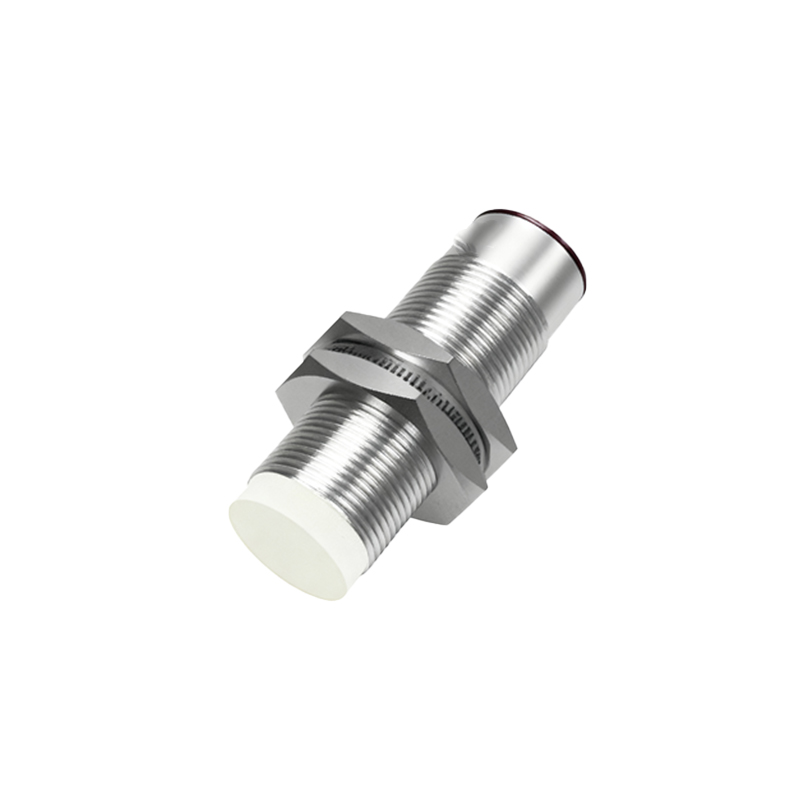
The core mechanism is straightforward. A proximity sensor, usually an infrared (IR) LED and photodetector pair, detects an object within a specific range. This binary or analog signal is then processed by the device's software. Here is where graphics come into play. The software triggers pre-programmed visual responses on the screen. The most ubiquitous example is the screen blanking during a phone call. When the sensor near the earpiece detects your cheek, the graphics subsystem immediately turns off the display. This serves a dual purpose: it prevents accidental touch inputs and conserves battery power. The graphic "response" in this case is the absence of light—a deliberate, commanded black screen.
However, the application extends far beyond simple on/off toggles. Advanced implementations use proximity data to animate graphical elements. Imagine a music player app that, when your hand approaches the phone, smoothly expands miniature album art into full-screen visualizations or reveals hidden playback controls. Or consider a smart home dashboard that, sensing a user approaching, brightens its interface and highlights relevant information like the weather or calendar events before a single touch occurs. These are examples of proximity-aware graphics that anticipate user intent.
The design philosophy behind these graphics emphasizes subtlety and context-awareness. Good proximity sensor graphics should feel like a natural extension of the device's behavior, not a jarring gimmick. The visual transition—be it a fade, a slide, or a scale—must be smooth and immediate, with latency measured in milliseconds to maintain the illusion of direct manipulation. The graphics must also be context-sensitive; the same proximity event might trigger different visual responses depending on whether the device is locked, in a navigation app, or playing a video.
From a technical perspective, integrating graphics with sensor input requires close collaboration between driver-level software, the operating system's framework, and the application layer. Developers utilize APIs provided by Android, iOS, or other embedded systems to subscribe to proximity sensor events. When an event is fired, a callback function executes, issuing commands to the graphics rendering engine (like OpenGL ES or Vulkan) to alter the composition of the screen's frame buffer. This process, from detection to pixel change, must be highly optimized to ensure a fluid experience.
The benefits are manifold. Firstly, it enhances usability by simplifying interactions, often reducing the number of required physical touches. Secondly, it contributes to power efficiency, as the display or specific graphical components can be dimmed or disabled when not needed. Thirdly, it enables new forms of ambient interfaces where devices can show minimal information until user engagement is sensed, creating a cleaner, less distracting environment.
Looking forward, the role of proximity sensor graphics is set to expand with advancements in sensor technology. Time-of-Flight (ToF) sensors and LiDAR scanners, which provide precise depth mapping, will enable even more nuanced graphical interactions. Instead of a simple "near" or "far" state, graphics could react to precise hand gestures or the distance of multiple objects, enabling rich, touchless control schemes for augmented reality (AR) interfaces, automotive infotainment systems, and public kiosks.
In conclusion, proximity sensor graphics are a critical yet often overlooked component of contemporary design. They bridge the physical gap between the user and the digital world, creating interfaces that are not only smarter and more responsive but also more respectful of the user's attention and device resources. As sensors become more capable, the canvas for these intelligent graphics will grow, leading to more immersive and intuitive ways for humans to communicate with technology.